
To edit an email template you’ve already created, it’s super easy!
This article covers how to edit your existing email templates within our Mailing List feature.
See also: How to Use the Mailing List
To edit an existing email template, follow the steps below:
-
From your fundraising page, click Manage Fundraiser.

-
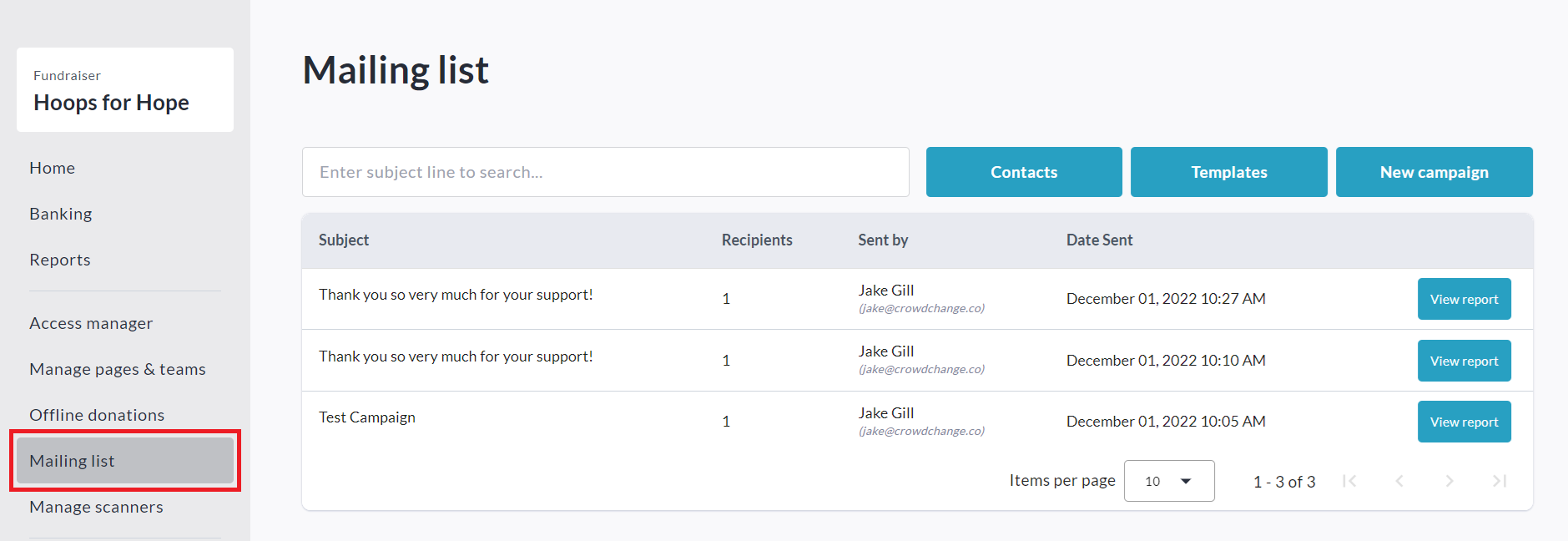
On the left sidebar, click Mailing List.
-
Click Templates.

-
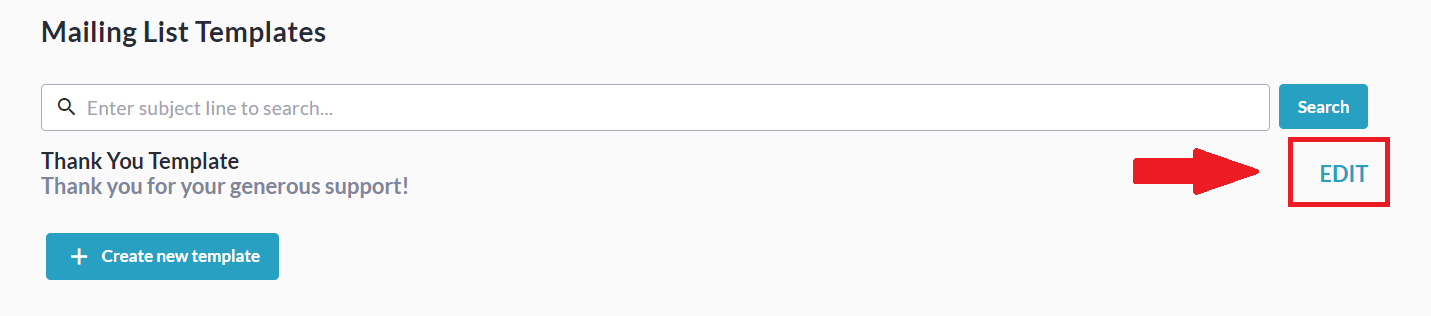
Click Edit to the right of the template you would like to adjust.
-
Edit Template Name, Subject, Message Body, and Dynamic Tags as desired.
-
Optional: Click Send Preview Email to get a preview.
-
Click Save to save the changes to this template.